

Excelgoodies logo +91 9176633248
Master Cloud BI, Data Pipelines & Automation

Data Engineering &
Full Stack BI: Azure (On-Cloud)

Microsoft Fabric | Lakehouse | Data Factory (Pipelines) | Dataflows Gen2 | KQL | Delta Tables | Azure Data Lake | Synapse Analytics | Data Factory | Azure Analysis Services | ETL with SSIS | SSAS

(1.5K+ Professionals enrolled)

Prove you're human: Type the code shown.

=
Excelgoodies

Program Overview

Training Schedule

Tuesday, 11 Apr

View Schedule

1.5 Years | 192 Hours

96 Sessions, 2 Hrs Each

Online & Classroom, Instructor-Led

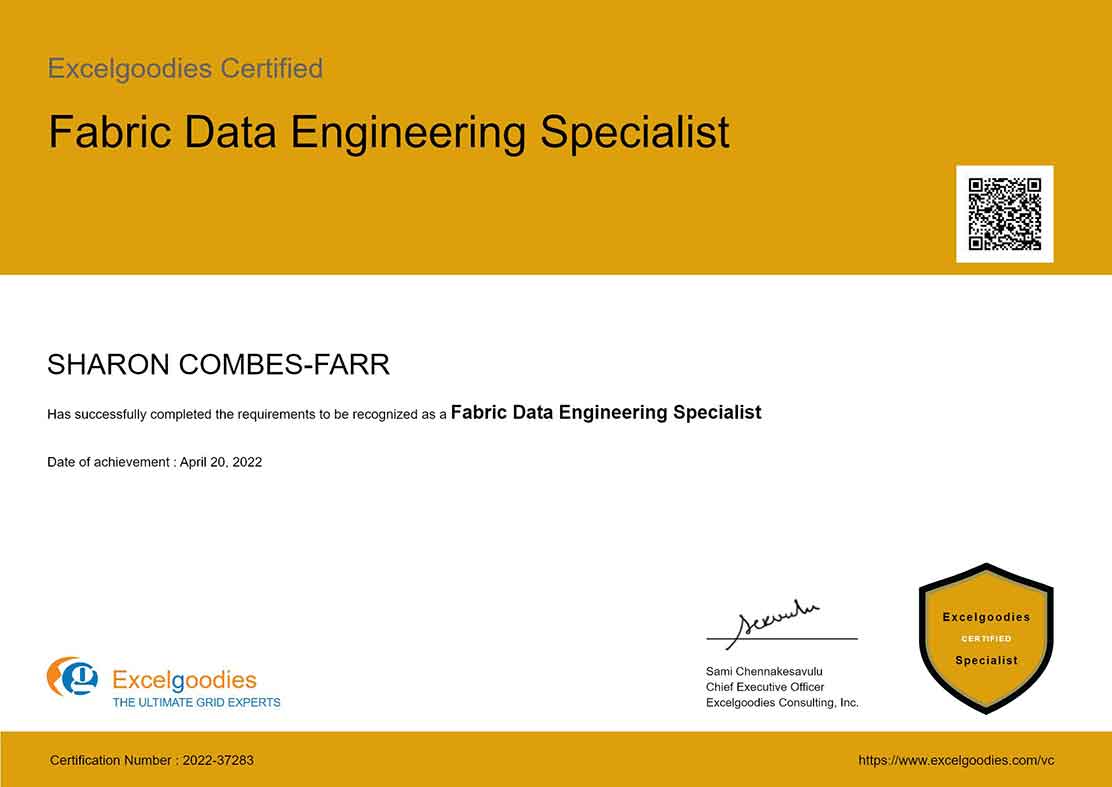
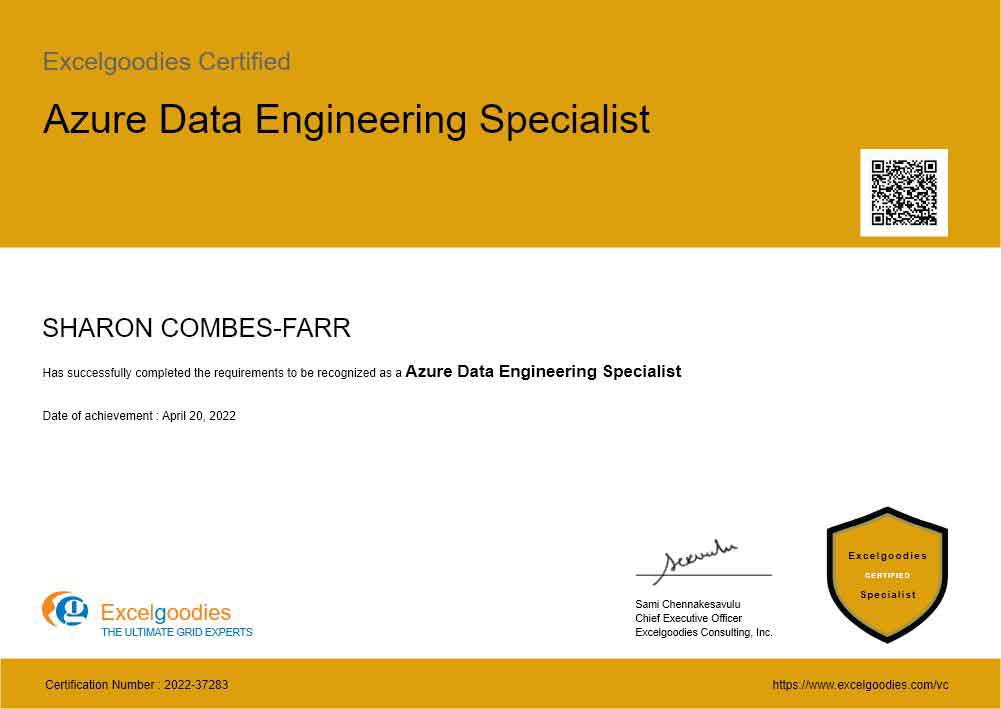
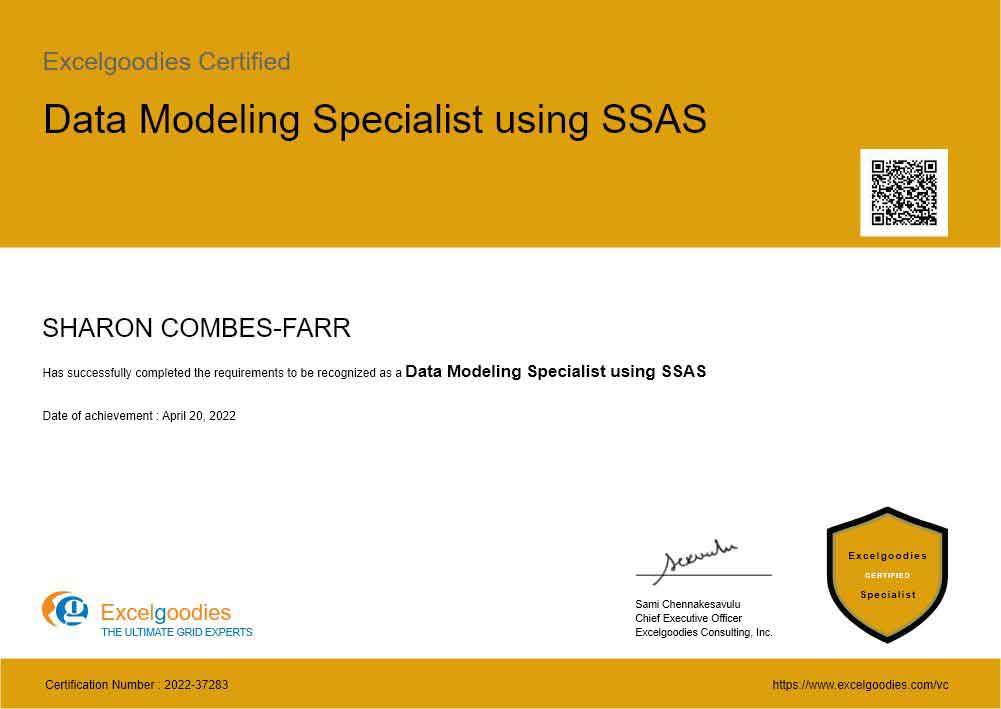
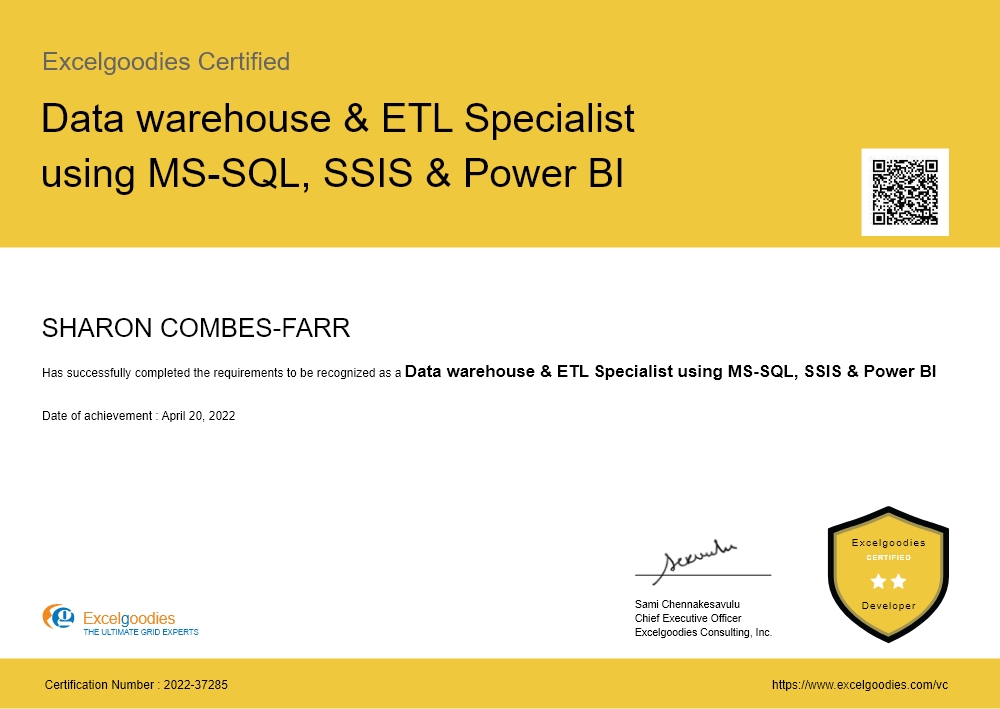
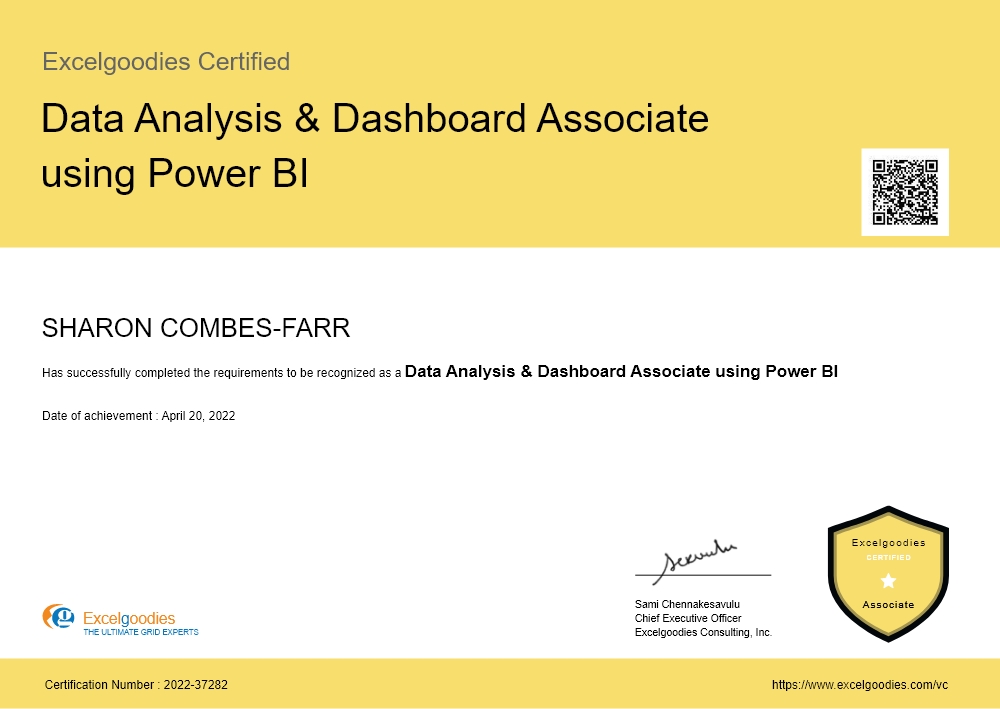
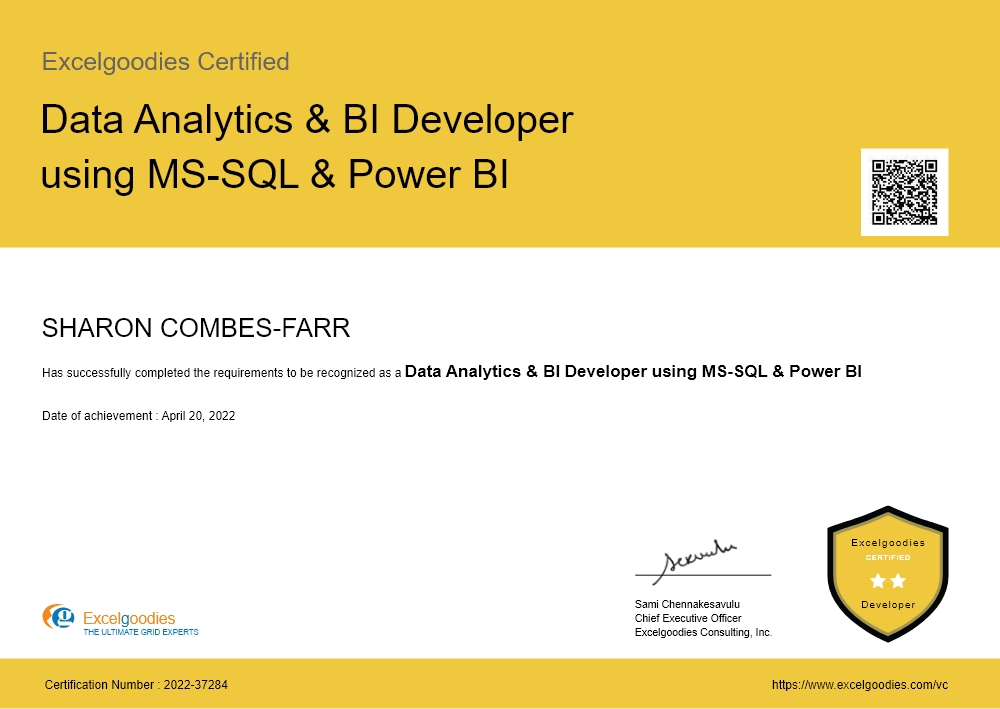
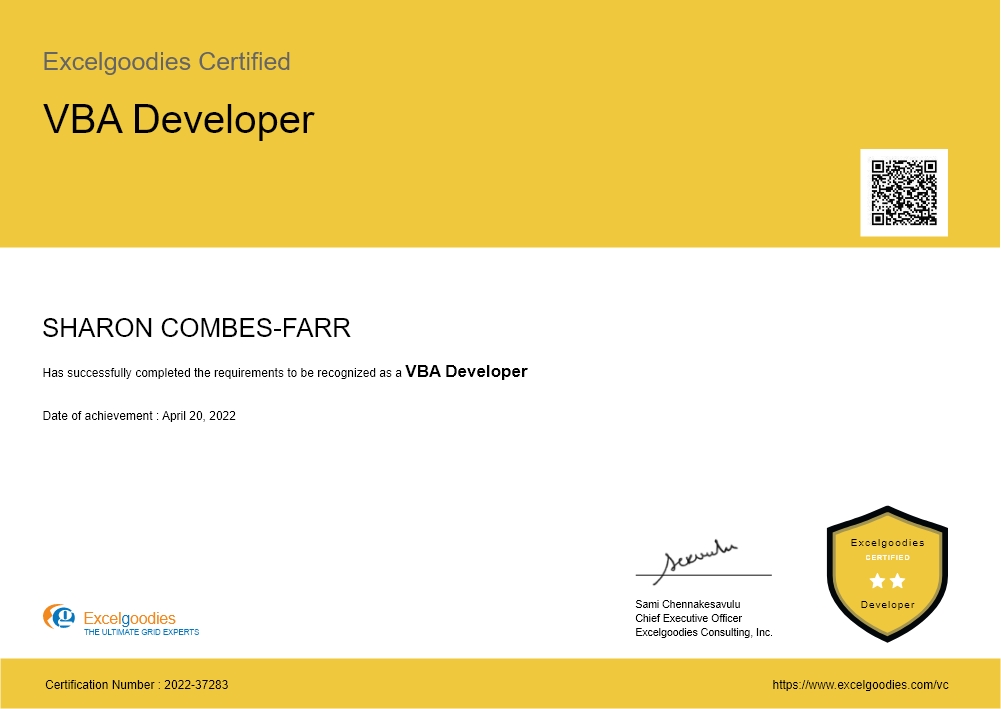
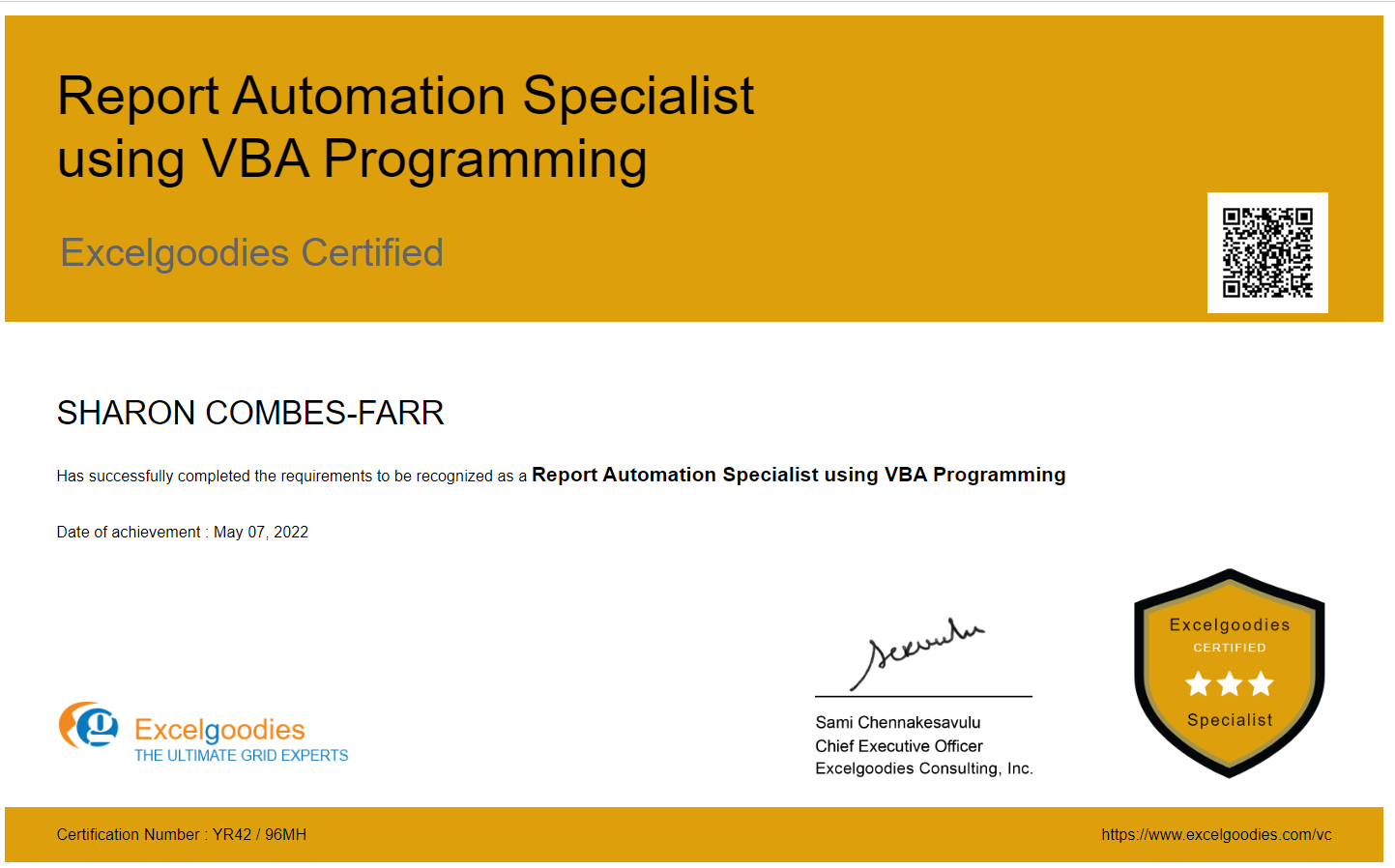
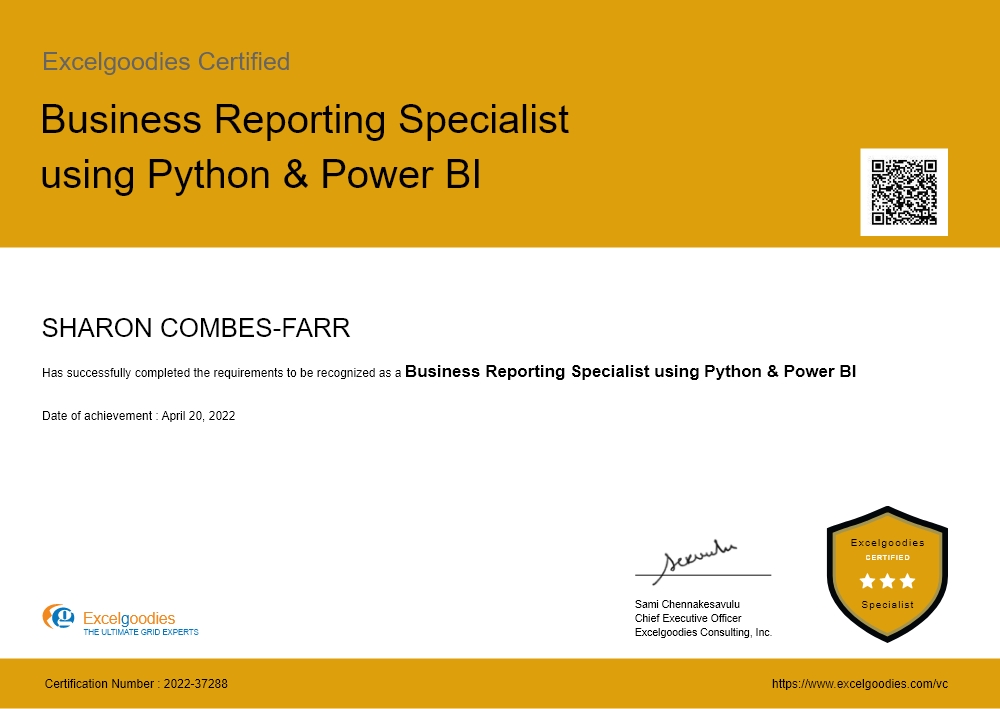
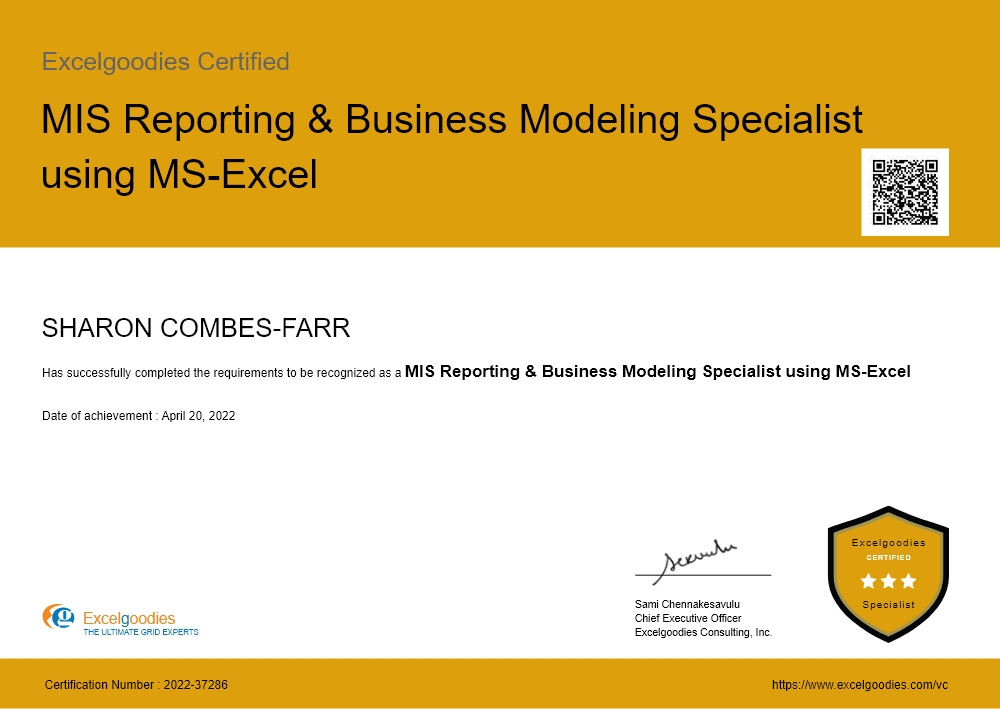
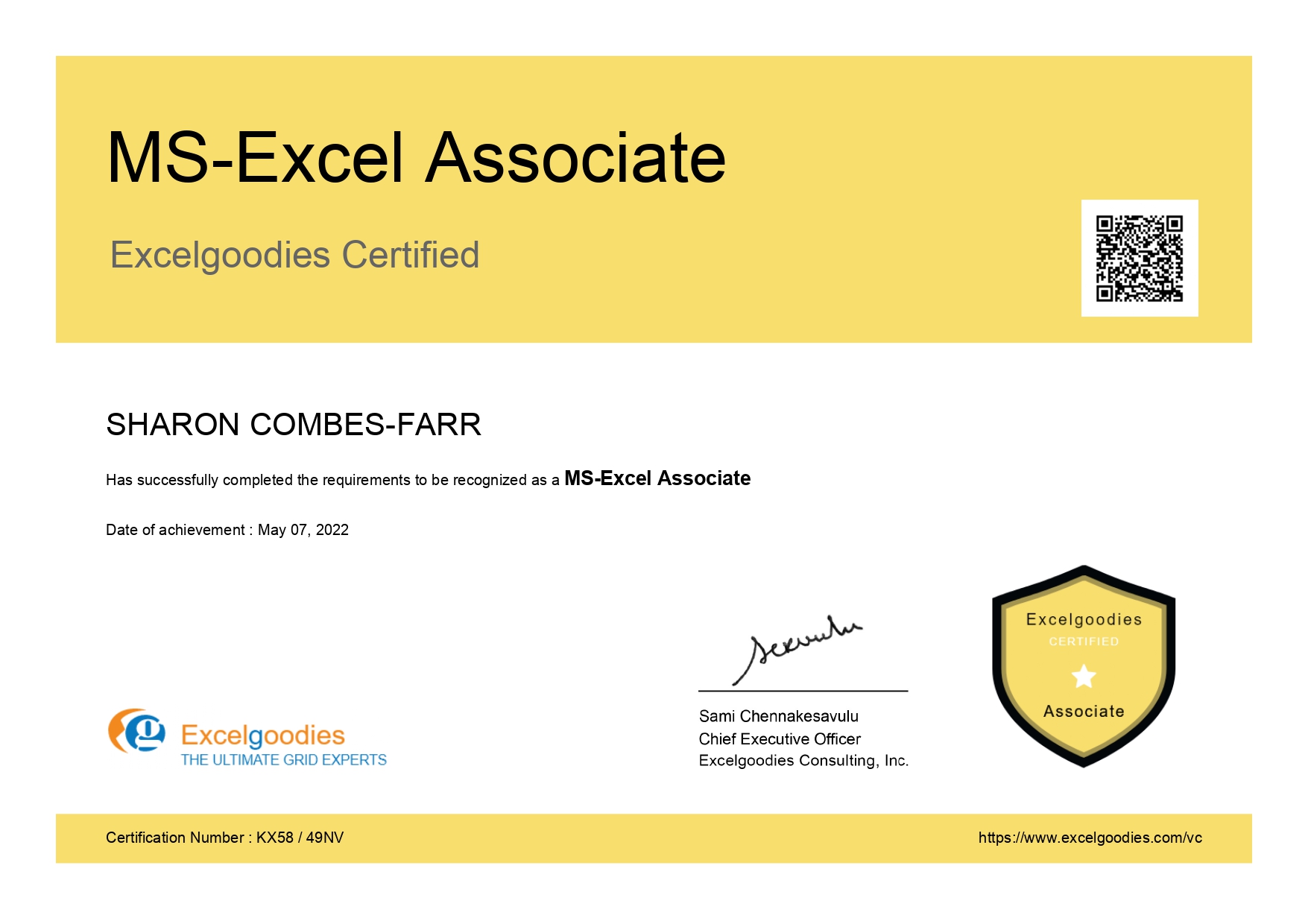
Certificates

19 Specialist Certificates

View Certificate Details

Course Fee

₹30,000

Check what’s included?

Data Engineering & BI: Azure (On-Cloud)

floating_menu floating_menu floating_menu

Batch starts on

th

For Advanced Cloud BI & Data Engineers

Cloud Data Engineering + Power BI + Azure Solutions + Automation

Master the Core of Modern Cloud Data Engineering.

Designed for professionals who want to work with the most advanced data technologies, this course covers Azure Data Lake, SQL, and Power Platform. Build efficient data pipelines, automate workflows, and deliver real-time insights, positioning yourself to lead in the future of data engineering and cloud solutions.

Tools You'll Learn

Semantic Layer

Azure Analysis Services

Cloud Workflows

Azure Logic Apps

Cloud Workflows

Data Pipelines (Fabric)

Warehouse Tool

Synapse Analytics

Warehouse Tool

Data Warehouse (Fabric)

Data Prep Tool

Dataflows Gen2

Pipeline Tool

Data Factory (in Fabric)

Cloud Platform

Microsoft Fabric

Data Prep Tool

Power Query

Pipeline Tool

Data Factory

Cloud Platform

Power BI Service

In just 1.5 Years, you'll be able to:

Design Powerful BI Dashboards – Build interactive reports with Power BI, DAX, and Power Query.

Develop Cloud Data Pipelines – Process data efficiently using Azure Data Factory, Data Bricks, and SQL.

Manage Cloud Data Infrastructure – Store and retrieve data with Azure Data Lake, Blob Storage, and SQL Database.

Automate Workflows & Data Movement – Use Azure Logic Apps, Data Factory Triggers, and Power Automate.

Optimize Data Modeling & Analytics – Leverage Azure Synapse, Analysis Services, and Power BI Dataset.

Integrate BI with Business Applications – Connect Power Apps, Power Automate, and Power BI for seamless automation.

In just 1.5 Years, you'll be able to:

Design Powerful BI Dashboards – Build interactive reports with Power BI, DAX, and Power Query.

Develop Cloud Data Pipelines – Process data efficiently using Azure Data Factory, Data Bricks, and SQL.

Manage Cloud Data Infrastructure – Store and retrieve data with Azure Data Lake, Blob Storage, and SQL Database.

Automate Workflows & Data Movement – Use Azure Logic Apps, Data Factory Triggers, and Power Automate.

Optimize Data Modeling & Analytics – Leverage Azure Synapse, Analysis Services, and Power BI Dataset.

Integrate BI with Business Applications – Connect Power Apps, Power Automate, and Power BI for seamless automation.

Ideal For:

fullstack courses

IT Professionals & Cloud Engineers

moving into BI reporting and cloud data automation.

fullstack courses

BI & Data Analysts

Scaling Their Expertise to Cloud

fullstack courses

Data Engineers

looking to build scalable cloud data pipelines and optimize BI infrastructure.

fullstack courses

Enterprise Architects

designing integrated cloud data & reporting systems.

fullstack courses

Business & Data Leaders

who want to automate reporting workflows and drive data-driven decisions.

fullstack courses

Companies

Building AI & ML-Driven Analytics

A snapshot of what you'll be learning in 1.5 Years.

Course Syllabus Overview

Python Data Transformation for Azure

  • Introduction to Microsoft Fabric and Python Integration
  • Data Ingestion with Python
  • Data Cleaning & Standardization
  • Data Transformation Techniques
  • Date & Time Transformation
  • Data Reshaping & Pivoting
  • Writing Transformed Data to Fabric
  • Automation & Reusability

Data Engineering: Azure Blob Storage

Introduction to Azure Blob Storage

  • Overview of Azure Storage Services
  • What is Azure Blob Storage?
  • Use Cases of Blob Storage (Data Archiving, Backup, Big Data Analytics, etc.)
  • Types of Azure Storage Accounts

Understanding Azure Blob Storage Architecture

  • Containers, Blobs, and Storage Accounts

Types of Blobs:

  • Block Blobs
  • Append Blobs
  • Page Blobs

Storage Tiers:

  • Hot
  • Cool
  • Archive

Data Replication Strategies:

  • LRS (Locally Redundant Storage)
  • ZRS (Zone-Redundant Storage)
  • GRS (Geo-Redundant Storage)
  • RA-GRS (Read Access Geo-Redundant Storage)

Setting Up and Managing Azure Blob Storage

  • Creating an Azure Storage Account
  • Creating and Configuring Containers
  • Uploading, Downloading, and Managing Blobs
  • Managing Access Control:
  • Shared Access Signatures (SAS)
  • Azure Active Directory Authentication
  • Role-Based Access Control (RBAC)
  • Storage Account Keys

Working with Azure Blob Storage using Tools

  • Using Azure Portal for Blob Storage Management
  • Working with Azure Storage Explorer
  • Managing Blob Storage with Azure CLI
  • Automating Blob Operations with PowerShell

Azure Blob Storage Integration with BI & Automation

Integrating Blob Storage with Power BI:

  • Connecting Power BI to Azure Blob Storage
  • Using Dataflows to Process Blob Data

Using Blob Storage with Azure Data Factory:

  • Copying Data from Blob Storage to Azure SQL Database
  • Data Transformation using Mapping Data Flows
  • Automating Data Processing with ADF Pipelines
  • Azure Logic Apps for Automating Blob Storage Workflows
  • Azure Synapse Analytics Integration with Blob Storage for Big Data Processing

Advanced Azure Blob Storage Features

  • Soft Delete, Versioning, and Snapshot Management
  • Data Lifecycle Management and Cost Optimization
  • Azure Storage Encryption and Security
  • Cross-Origin Resource Sharing (CORS)
  • Event Grid and Blob Storage Event Handling
  • Using Azure Data Lake Gen2 with Blob Storage

Hands-on Projects & Real-World Scenarios

  • Project 1: Setting up a Data Lake using Azure Blob Storage for Power BI Analytics
  • Project 2: Automating Data Uploads from Power Automate to Azure Blob Storage
  • Project 3: Creating an ETL Pipeline using Azure Data Factory with Blob Storage
  • Project 4: Implementing Data Retention Policies using Azure Blob Storage Lifecycle Management

Data Engineering: Azure Data Lake

Introduction to Azure Data Lake

  • What is Azure Data Lake?
  • Difference Between Azure Data Lake and Azure Blob Storage
  • Data Lake Gen1 vs Gen2
  • Key Benefits and Use Cases

Azure Data Lake Architecture

  • Understanding the Hierarchical Namespace
  • Components of Data Lake:
  • Storage Accounts
  • Containers & Folders
  • Files & Metadata
  • Security Model & Data Access
  • Data Lake File Format Best Practices (Parquet, CSV, JSON, Avro)

Setting Up Azure Data Lake Storage (ADLS Gen2)

  • Creating an Azure Storage Account
  • Configuring Azure Data Lake Gen2
  • Managing Storage Containers & Files
  • Authentication & Authorization:
  • Azure Active Directory (Azure AD)
  • Role-Based Access Control (RBAC)
  • Access Control Lists (ACLs)

Working with Azure Data Lake Using Tools

  • Using Azure Portal for Data Lake Management
  • Azure Storage Explorer for File Operations
  • Azure CLI & PowerShell for Automation
  • Accessing Data with Python & Pandas
  • Azure Synapse Studio for Data Lake Exploration

Data Ingestion into Azure Data Lake

  • Ingesting Data with Azure Data Factory (ADF)
  • Copy Data from SQL Server, Blob Storage, REST API
  • Scheduling & Monitoring Pipelines
  • Power Automate Integration
  • Streaming Data into Data Lake with Azure Event Hub

Data Processing & Transformation in Data Lake

  • Using Azure Synapse Analytics with Data Lake
  • Querying Data with Serverless SQL Pools
  • Using Spark Pools for Big Data Processing
  • Transforming Data with Dataflows in Power BI
  • ETL Pipelines using Azure Data Factory Mapping Data Flows
  • Integrating with Azure Databricks for Advanced Processing

Securing & Monitoring Azure Data Lake

  • Encryption at Rest & In-Transit
  • Azure Defender for Storage
  • Data Masking & Sensitive Data Protection
  • Auditing & Logging with Azure Monitor

Real-World Projects & Use Cases

  • Project 1: Creating a Data Lake for Power BI Reporting
  • Project 2: Building an ETL Pipeline with Azure Data Factory & Data Lake
  • Project 3: Integrating Data Lake with Azure Synapse for Advanced Analytics
  • Project 4: Automating File Processing with Power Automate & Data Lake

Data Engineering: Azure Data Factory

Introduction to Azure Data Factory (ADF)

  • What is Azure Data Factory?
  • Key Features and Benefits
  • Understanding Data Integration and ETL in Azure
  • Comparing ADF with SSIS and Other ETL Tools

Understanding ADF Architecture

Components of Azure Data Factory:

  • Pipelines
  • Activities
  • Datasets
  • Linked Services
  • Triggers
  • Integration Runtimes (Self-hosted vs Azure-Hosted)
  • Data Movement vs Data Transformation in ADF

Setting Up Azure Data Factory

  • Creating an Azure Data Factory Instance
  • Navigating the Azure Data Factory UI
  • Understanding the Author, Monitor, and Manage Sections
  • Connecting to On-Premises and Cloud Data Sources

Data Ingestion with Azure Data Factory

  • Copy Data Tool for Quick Ingestion
  • Connecting to Data Sources:
  • Azure Blob Storage / Data Lake
  • SQL Server, Azure SQL Database
  • REST APIs & Web Services
  • On-Premises Databases with Self-Hosted Integration Runtime
  • Incremental Data Load with Watermarking

Data Transformation in ADF

  • Using Mapping Data Flows (No-Code Transformations)
  • Data Transformation Activities
  • Data Flow Debugging and Monitoring
  • Using Wrangling Data Flows (Power Query in ADF)
  • Calling Azure Databricks for Advanced Transformations
  • Executing Stored Procedures for Data Processing

Orchestrating Data Pipelines

  • Pipeline Execution and Debugging
  • Control Flow Activities:
  • ForEach and Until Loops
  • If Condition & Switch Activity
  • Wait, Lookup, and Execute Pipeline Activities
  • Error Handling and Logging Strategies

Scheduling & Monitoring Pipelines

  • Triggers in ADF:
  • Tumbling Window Trigger
  • Schedule-Based Trigger
  • Event-Based Trigger
  • Monitoring Pipelines with Azure Monitor
  • Logging and Error Handling in ADF
  • Managing Pipeline Versions and Change Tracking

Integrating Azure Data Factory with Other Services

  • Power BI: Ingesting and Processing Data for Reporting
  • Azure Logic Apps: Automating Pipeline Execution
  • Azure Data Lake & Blob Storage: Managing Large Data Loads
  • Azure Synapse Analytics: ELT Pipeline for Big Data Processing

Real-World Projects & Hands-on Labs

  • Project 1: ETL Pipeline – Ingesting Data from SQL Server to Azure Data Lake
  • Project 2: Transforming and Cleansing Data with Mapping Data Flows
  • Project 3: Automating Data Pipelines with ADF Triggers
  • Project 4: Building a Hybrid Data Pipeline using Self-Hosted Integration Runtime

Data Engineering: Azure Synapse Analytics

Introduction to Azure Synapse Analytics

  • What is Azure Synapse Analytics?
  • Synapse vs Azure SQL Database vs Azure Databricks
  • Key Features & Benefits
  • Understanding Data Warehousing vs Big Data Analytics
  • Common Use Cases:
  • Data Warehousing
  • Real-Time Data Analytics
  • ETL/ELT Pipelines
  • BI & Reporting

Understanding Synapse Architecture

  • Synapse SQL Pools:
  • Dedicated SQL Pools vs Serverless SQL Pools
  • Synapse Pipelines:
  • ETL & Data Integration
  • Synapse Studio:
  • Data Exploration & Querying
  • Data Integration with Linked Services
  • Integration with Power BI, Azure Data Factory, and Databricks

Setting Up Azure Synapse Analytics

  • Creating an Azure Synapse Workspace
  • Navigating the Synapse Studio UI
  • Understanding Dedicated vs Serverless SQL Pools
  • Configuring Linked Services (Azure Blob, Data Lake, SQL Server, etc.)
  • Role-Based Access Control (RBAC) & Security

Ingesting Data into Azure Synapse

  • Using Azure Data Factory to Load Data into Synapse
  • Copying Data from On-Premises & Cloud Sources
  • Connecting to Azure Blob Storage & Data Lake
  • Using T-SQL and PolyBase for Data Ingestion
  • Delta Lake Integration for Big Data Processing

Querying & Managing Data in Synapse SQL Pools

  • Working with Serverless SQL Pools
  • Writing Queries with T-SQL & Spark SQL
  • Performance Optimization with Partitioning & Indexing
  • Columnstore Indexes for Faster Queries
  • Best Practices for Writing SQL Queries in Synapse

Data Transformation & ETL in Synapse

  • Using Data Flows in Synapse Pipelines
  • Transforming Data with Spark Notebooks
  • Executing Stored Procedures for ETL Processing
  • Automating Data Pipelines with Triggers & Scheduling
  • Integrating Synapse Pipelines with Power Automate

Power BI Integration with Azure Synapse

  • Connecting Power BI to Synapse SQL Pools
  • Optimizing Power BI Reports with Synapse Data
  • Using Synapse as a Data Source for Power BI Dataflows
  • DirectQuery vs Import Mode Considerations

Real-World Projects & Hands-on Labs

  • Project 1: Building a Data Warehouse in Azure Synapse
  • Project 2: ETL Pipeline with Azure Synapse & Data Factory
  • Project 4: Power BI Reporting using Synapse SQL Pools

Data Engineering: Azure SQL Database

Introduction to Azure SQL Database

  • What is Azure SQL Database?
  • Azure SQL vs SQL Server vs Synapse Analytics vs Cosmos DB
  • Key Features & Benefits
  • Common Use Cases:
  • Cloud-based Relational Database Management
  • High Availability & Scalability
  • BI & Analytics Integration

Azure SQL Database Deployment Options

  • Single Database vs Elastic Pools vs Managed Instance
  • Understanding DTUs vs vCores
  • Choosing the Right Service Tier (Basic, General Purpose, Business Critical, Hyperscale)
  • Serverless vs Provisioned Compute Model

Setting Up an Azure SQL Database

  • Creating an Azure SQL Database using Azure Portal, PowerShell, and CLI
  • Configuring Firewall & Network Security
  • Connecting to SQL Database using SSMS, Azure Data Studio, and Power BI
  • Role-Based Access Control (RBAC) & Authentication

Working with Azure SQL Database

  • Writing SQL Queries using T-SQL
  • Creating and Managing Tables, Views, and Stored Procedures
  • Understanding Indexes, Constraints & Triggers
  • Transactions & Locking Mechanisms
  • Querying with JSON & XML Data

Data Ingestion & ETL Pipelines

  • Using Azure Data Factory to Load Data into SQL Database
  • Bulk Insert, BCP & COPY Commands for Large Data Loads
  • Using Power Automate to Automate Data Entry
  • Connecting Azure SQL Database with Power BI for Analytics

Performance Optimization & Query Tuning

  • Indexing Strategies (Clustered vs Non-Clustered, Columnstore Indexes)
  • Query Store for Performance Monitoring
  • Execution Plans & Query Tuning Techniques
  • Partitioning Tables for Large Datasets
  • Caching & Optimizing Reads with Materialized Views

Integrating Azure SQL Database with Other Azure Services

  • Power BI: DirectQuery vs Import Mode for SQL Database
  • Azure Data Factory: ETL Pipeline Development
  • Azure Logic Apps & Power Automate: Automating Workflows
  • Azure Synapse Analytics: Exporting Data for Analytics
  • Azure Functions: Triggering Events from SQL Database

Real-World Projects & Hands-on Labs

  • Project 1: Migrating an On-Premises SQL Database to Azure
  • Project 2: Automating Data Entry Using Power Automate & Azure SQL
  • Project 3: Building an ETL Pipeline Using Azure Data Factory
  • Project 4: Creating a Power BI Dashboard Using Azure SQL Database

Data Engineering: Azure Cosmos DB

Module 1: Introduction to Azure Cosmos DB

  • What is Azure Cosmos DB?
  • Core Concepts: Containers, Databases, Items, Partition Keys
  • Cosmos DB vs traditional relational databases
  • Cosmos DB APIs: SQL (Core), MongoDB, Cassandra, Gremlin, Table API
  • Global distribution and multi-region writes
  • Consistency models overview

Module 2: Setting Up Azure Cosmos DB

  • Creating a Cosmos DB account in Azure
  • Selecting the right API (with a focus on SQL API for BI)
  • Creating databases and containers
  • Partition key selection strategies
  • Data modeling basics for Cosmos DB (denormalization vs embedding)

Module 3: Data Operations

  • CRUD operations (Portal + SDK)
  • Writing SQL-style queries in Cosmos DB
  • Retrieving data. Wait a few seconds and try to cut or copy again.
  • Indexing in Cosmos DB (Automatic & Custom Indexing)
  • Query performance tuning with indexing

Module 4: Data Engineering with Cosmos DB

  • Ingesting data from external systems
  • Using Azure Data Factory to move data into Cosmos DB
  • Real-time ingestion with Azure Functions and Event Hub
  • Batch ingestion using Azure Databricks
  • Data transformation patterns for Cosmos DB
  • Managing large datasets

Module 5: Integration with BI Tools

  • Connecting Cosmos DB with Power BI
  • Using Azure Synapse Link for Cosmos DB
  • Enabling Synapse Link
  • Querying operational data using Synapse Serverless SQL
  • Cosmos DB + Azure Data Explorer for analytics

Module 6 - Integration with Azure Logic Apps and Power Automate

Module 7: Real-World Project

  • Sales Analytics using Power BI & Cosmos DB
  • Ingest customer data from multiple sources
  • Transform and store in Cosmos DB
  • Build a Power BI dashboard using Synapse Link
  • Optimize throughput and monitor cost

Data Engineering: Azure Analysis Services / Power BI Dataset

Module 1: Introduction to Semantic Models in BI

  • What are Semantic Models?
  • Comparison: Azure Analysis Services vs Power BI Dataset
  • Tabular Models vs Multidimensional Models
  • When to choose AAS vs Power BI Dataset
  • Licensing and Capacity Requirements (AAS, PPU, Premium)

Module 2: Data Modeling Basics (Tabular)

  • Star Schema vs Snowflake Schema
  • Tables, Relationships, and Cardinality
  • Fact vs Dimension Tables
  • Row Context vs Filter Context (Intro)

Module 3: Creating Models in Power BI Desktop

  • Loading Data into Power BI Model
  • Defining Relationships
  • Creating Calculated Columns, Measures, and Tables
  • Formatting & Sorting Data for Semantic Models

Module 4: DAX Fundamentals

  • Overview of DAX
  • Calculated Columns vs Measures
  • Common DAX Functions: SUM, CALCULATE, FILTER, ALL, RELATED
  • Time Intelligence Basics
  • DAX Best Practices

Module 5: Building Data Models for Azure Analysis Services

  • Visual Studio (SSDT) Setup
  • Creating AAS Tabular Project
  • Import Mode vs DirectQuery
  • Tabular Model Explorer: Perspectives, Roles, KPIs
  • Creating Partitions and Hierarchies

Module 6: Deployment & Management

  • Deploying Power BI Dataset to Power BI Service
  • Deploying AAS Model to Azure
  • Managing Processing Schedules
  • Incremental Refresh (in Power BI Premium and AAS)
  • Configuring Data Source Credentials and Gateways

Module 7: Security & Governance

  • Row-Level Security (RLS)
  • Object-Level Security (OLS) (Power BI Premium)
  • Setting up Security Roles in AAS and Power BI
  • Sensitivity Labels and Auditing
  • Version Control with BIM Files (for AAS)

Module 8: Using Power BI Reports on Top of Datasets

  • Live Connection vs Import Mode
  • Shared Datasets in Power BI Service
  • Creating Thin Reports
  • Reusing Enterprise Semantic Models across multiple reports

Module 9: Tools & Utilities

  • Tabular Editor 2 & 3
  • DAX Studio
  • ALM Toolkit (Schema Comparison)
  • Best Practices Analyzer

Microsoft Fabric and Power BI Ecosystem

  • Introduction to Microsoft Fabric architecture and vision
  • Understanding the unified platform concept of Fabric
  • Overview of Fabric modules: Lakehouse, Warehouse, Real-Time Analytics, Data Activator, Data Science
  • Exploring OneLake as the single data lake for all workloads
  • Introduction to DirectLake and how it changes Power BI performance
  • Power BI's deep integration into the Fabric platform
  • Comparison of Fabric with legacy tools (Synapse, Dataflows, Data Factory)
  • Navigating Fabric workspaces, domains, and permissions
  • Understanding Fabric's role in end-to-end data lifecycle
  • Licensing structure and Fabric capacities
  • Fabric as an evolution of Azure Synapse and Power BI Premium
  • Cross-module data sharing within Fabric
  • Use of Notebooks and Spark runtime for data professionals
  • Understanding Fabric in the context of business intelligence
  • Connecting Power BI Desktop to Fabric datasets and models

Microsoft Fabric: Data Modeling with Fabric Lakehouse

  • Introduction to Lakehouse and its architecture
  • Differences between Lakehouse and traditional data lakes
  • Creating Lakehouse objects: managed vs unmanaged tables
  • Loading data using Dataflows Gen2 into Lakehouse
  • Delta Lake format and its benefits for performance and reliability
  • Schema management and table partitioning
  • Working with notebooks in Lakehouse for transformations
  • Using Spark to process and refine raw data
  • Connecting Power BI to Lakehouse via DirectLake
  • Creating semantic models from Lakehouse tables
  • Best practices for folder structures and naming conventions
  • Lakehouse security and access control in Fabric
  • Performance optimization for large data models in Lakehouse
  • Versioning and auditability in Lakehouse data
  • Integrating Lakehouse data into Power BI dashboards

Microsoft Fabric: Data Modeling with Fabric Data Warehouse

  • Introduction to the Fabric Data Warehouse module
  • Understanding structured modeling vs Lakehouse
  • Creating Warehouse tables, views, stored procedures
  • Building star schemas and dimensional models
  • Data ingestion into Warehouse using pipelines or Dataflows
  • Best practices for table relationships and indexing
  • Optimizing DAX performance on Warehouse models
  • Creating and querying views for report consumption
  • Understanding DirectQuery vs DirectLake vs Import modes
  • Connecting Power BI to Fabric Data Warehouse
  • Warehouse data governance and role-based access control
  • Integrating Warehouse and Lakehouse models in one dataset
  • Use cases for Warehouse vs Lakehouse
  • Monitoring and auditing Warehouse usage
  • Data lineage and impact analysis within Fabric Warehouse

Microsoft Fabric: Developing Reports and Dashboards Fabrics

  • Connecting Power BI to Lakehouse and Warehouse datasets
  • Building semantic models with measures, columns, hierarchies
  • Designing star schema datasets for optimal performance
  • Creating dynamic visuals: charts, tables, KPI cards
  • Using bookmarks, slicers, drillthrough, and tooltips
  • Creating interactive navigation experiences in Power BI
  • Implementing row-level and object-level security
  • Using custom visuals for advanced reporting needs
  • Formatting reports with branding and design standards
  • Designing mobile-friendly Power BI dashboards
  • Creating paginated reports for pixel-perfect outputs
  • Embedding reports in web apps or Teams environments
  • Using Q&A and AI visuals for smart exploration
  • Performance tuning with Aggregations and Composite Models
  • Publishing, sharing, and certifying reports within Fabric workspaces

Microsoft Fabric: Advanced Topics

  • Power BI Governance in Fabric: certification, endorsement, monitoring
  • Deployment pipelines for Dev ? Test ? Prod
  • Workspace and artifact-level permission strategies
  • Advanced RLS and OLS implementations
  • Performance optimization with VertiPaq Analyzer and DAX Studio
  • Version control and change tracking in Fabric environments
  • Incremental refresh in DirectLake and hybrid models
  • Power BI Composite and Hybrid models explained
  • Creating semantic calculation groups and perspectives
  • Automating report workflows using Power Automate
  • Using Data Activator for rule-based triggers and alerts
  • Audit logging and activity monitoring in Fabric tenant
  • Capacity management and Fabric licensing optimization
  • Using Fabric with external tools: Excel, Azure Data Explorer, Synapse
  • Building reusable report templates and model layers for enterprise use

Python Data Transformation for Microsoft Fabric Integration

  • Introduction to Microsoft Fabric and Python Integration
  • Data Ingestion with Python
  • Data Cleaning & Standardization
  • Data Transformation Techniques
  • Date & Time Transformation
  • Data Reshaping & Pivoting
  • Writing Transformed Data to Fabric
  • Automation & Reusability

Data Engineering: Microsoft Fabric Enterprise Architecture and Integration

  • Deep dive into Microsoft Intelligent Data Platform and Fabric’s role
  • OneLake metadata, multi-format storage, and virtualization
  • Cross-domain architecture and enterprise data mesh strategies
  • Fabric vs Synapse vs Azure Data Lake Gen2 vs Databricks: Advanced comparison
  • Advanced workspace security architecture and cross-tenant collaboration
  • Resource governance with Fabric capacities and metrics analysis
  • Managed identity integration and token-based access with Azure AD
  • DevOps enablement using YAML pipelines and Fabric REST APIs
  • Establishing CI/CD frameworks across Fabric workspaces
  • Enterprise project structuring and naming conventions
  • Hybrid deployment models: Fabric + Azure Synapse + Databricks
  • Licensing optimization and multi-sku capacity design
  • Cross-region failover design with global distribution
  • Integration with Microsoft Purview for data cataloging and governance
  • Enterprise-wide telemetry, lineage, and impact analysis in Fabric

Data Engineering: Advanced Data Ingestion and Workflow Orchestration

  • Designing scalable multi-source ingestion using Pipelines
  • Handling unstructured, semi-structured, and nested JSON/XML ingestion
  • High-throughput ingestion patterns with partition and parallelism
  • Data movement between Lakehouse, Warehouse, and external stores
  • Metadata-driven ingestion framework using dynamic mapping
  • Automating schema drift detection and schema evolution
  • Event-based triggering, watermarking, and incremental pipeline logic
  • CI/CD for pipeline artifacts using YAML + Git integration
  • Auto-healing and recovery patterns in critical workflows
  • Performance diagnostics, retry patterns, and load distribution
  • On-demand ingestion pipelines using REST API and webhook
  • Creating metadata registries and data quality layers
  • Delta loading with deduplication and upsert logic
  • Ingestion cost modeling and Fabric throughput planning
  • Integration with Power Automate for orchestrated alerting

Data Engineering: Lakehouse Engineering & Distributed Big Data Processing

  • Architecting petabyte-scale Lakehouses with optimized partitions
  • Advanced PySpark for ETL, joins, windowing, and batch refinement
  • Spark performance tuning with broadcast joins and caching strategies
  • Leveraging Delta Lake time travel and vacuum operations
  • Structured Streaming with notebooks for near real-time prep
  • Managing schema evolution in high-churn Lakehouses
  • Auto-loading from streaming pipelines into Lakehouse
  • Secure file storage, data masking, and object-level control
  • Access control via workspace roles, ACLs, and token-scoped URIs
  • Delta Live Tables (DLT)-style modeling using Fabric Pipelines + Spark
  • Data lifecycle management, versioning, and retention policies
  • Using notebooks to orchestrate Fabric-native ML feature stores
  • Spark SQL vs T-SQL: Fabric interoperability best practices
  • Integrating Databricks Delta tables with Fabric Lakehouse (interop)
  • Publishing refined Lakehouse models for cross-workspace consumption

Data Engineering: Advanced Data Warehouse Engineering in Fabric

  • Multi-model schema deployment using T-SQL and templates
  • Advanced table storage patterns (columnstore, rowstore, hybrid)
  • Query folding, execution plan tuning, and materialized views
  • Synapse-to-Fabric migration patterns for Warehouse workloads
  • Multi-zone Warehouse design: Staging, Curation, Semantic Zones
  • Data snapshots, CDC, and Slowly Changing Dimensions (SCD Types 1/2/3)
  • Warehouse lineage tracking using Fabric catalog and logs
  • Partitioned table design and lifecycle policy enforcement
  • Schema-bound views vs open views and indexing strategies
  • Managing Warehouse with GitOps and Deployment Pipelines
  • Storing audit logs and temporal data for forensic analysis
  • Integrating Power BI composite models with multiple Warehouses
  • Monitoring long-running queries, auto-cancel, and workload isolation
  • Automated tests and validation of Warehouse pipelines
  • Secure sharing of Warehouse models via Fabric domains and endorsements

Data Engineering: Semantic Modeling, Governance, and Power BI at Scale

  • Designing enterprise-wide semantic models on Lakehouse/Warehouse
  • Composite model architecture and DirectLake dataset design
  • Row-Level, Object-Level, and Field-Level security patterns
  • Building reusable calculation groups, perspectives, and templates
  • Dataset certification workflow and publishing governance
  • Managing refresh schedules, incremental loading, and query caching
  • Scaling Power BI for thousands of users and distributed teams
  • Monitoring model usage, report telemetry, and capacity health
  • Automating deployment pipelines for datasets and reports
  • Using XMLA endpoint for external governance tools
  • Power BI API and service principal authentication for devops
  • Admin monitoring, audit logs, and tenant-level insights
  • Deployment rollback, dataset versioning, and failover models
  • Curated workspace provisioning using Azure Automation + Fabric API
  • Aligning Power BI governance with Microsoft Purview and compliance

System Requirements

  • Operating System – Windows 10 or later (Mac users will need a Windows VM)
  • RAM – Minimum 8GB (Recommended: 16GB for large datasets)
  • Power BI Desktop – Free version Download here
  • Azure Subscription – Free-tier available for practice Sign up here
  • SQL Server Express – Free version Download here
  • Python – Install the latest version Download here
  • Power Automate & Power Apps – Requires a Microsoft 365 account
About the trainres

Taught by Microsoft-Certified Power BI Trainers

All our classes are live,
hands-on and with
real-trainers.

About the trainres

Training Schedule

Limited Seats. Registration Closing Soon

Have Questions?

Tel:

+91 9176633248

Email:

support@excelgoodies.com

Projects & Assignments

What's included?

  • 192 hours of live instructor-led training
  • 6 Azure Data Factory & ETL projects
  • 4 Azure Synapse Analytics & SQL Database projects
  • 3 Azure Logic Apps & Data Factory trigger projects
  • 2 master projects integrating Power BI, SQL, Azure & Automation
  • 4 Dataflows Gen2 & Power Query Projects
  • 5 Data Factory & Lakehouse ETL Projects
  • 4 Lakehouse & Delta Table Management Projects
  • 3 Fabric Workflow Projects
  • 2 Master Projects integrating Power BI, Lakehouse, SQL & Automation
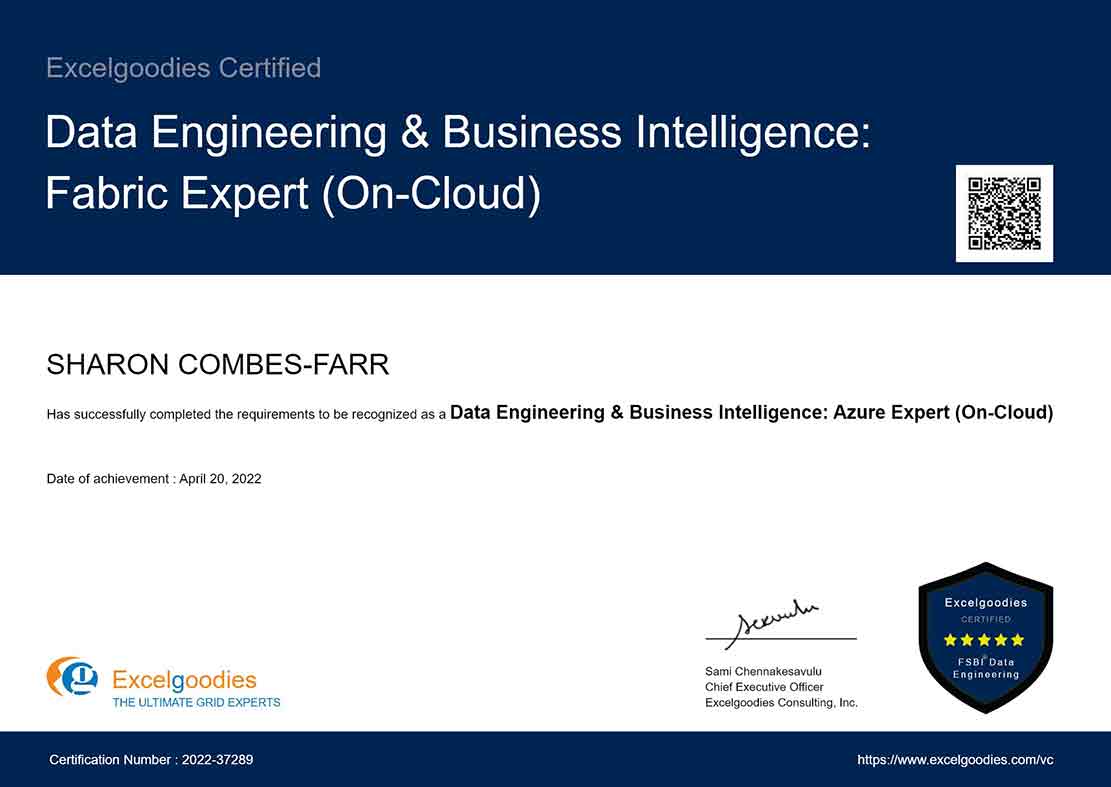
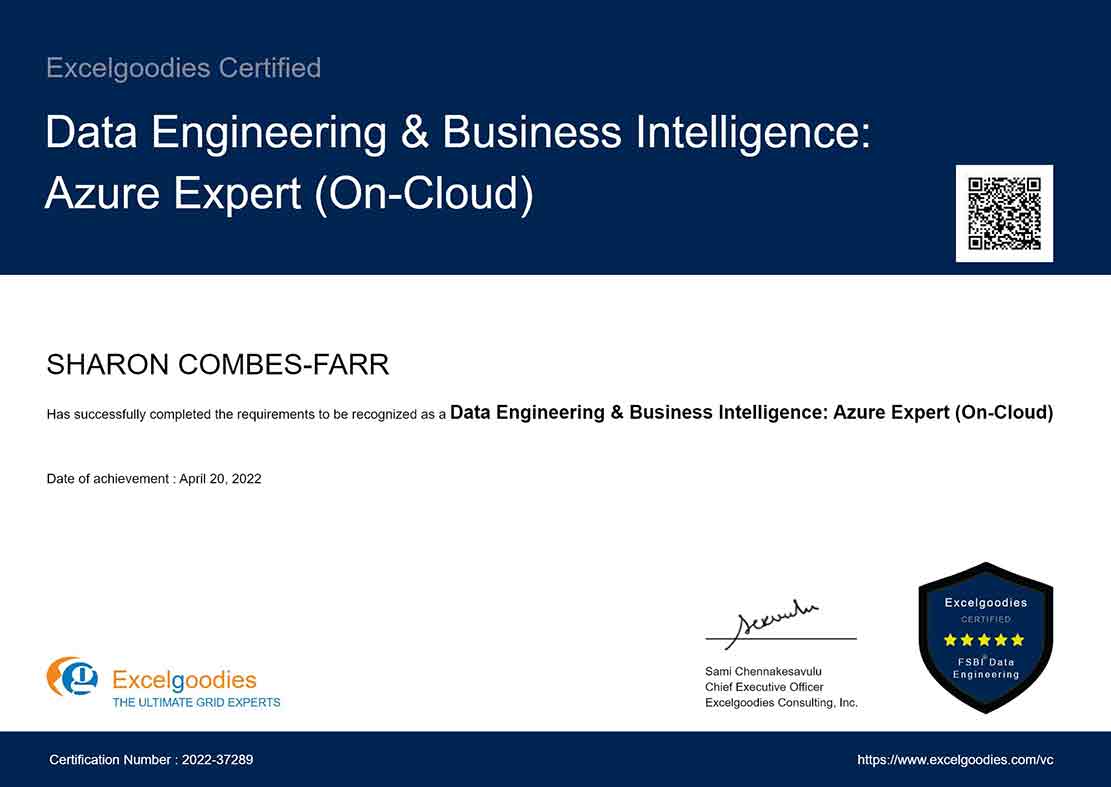
  • Data Engineering & BI Specialist Certificate
  • Data Engineering & BI: Fabric Expert Certificate
  • 30-day post-training support

Upcoming Batch

Starts On

Time

Course Fee

₹30,000

Plus GST for Company-Sponsored.

FAQs

Both! This course blends Data Engineering and Business Intelligence—helping:

  • BI professionals learn how cloud data platforms handle large-scale reporting.
  • Data Engineers understand how their pipelines impact Power BI analytics.
  • Excel users transition to enterprise-grade BI without running into performance issues.
  • IT professionals expand from managing databases to architecting cloud-based data solutions.

Most Data Engineering courses focus on coding-heavy ETL workflows (Python, Spark, Hadoop, etc.). This course takes a BI-first approach:

  • Combines Data Engineering + BI Reporting to give you an end-to-end skillset.
  • Uses Azure Data Services—enterprise cloud solutions used in real-world projects.
  • Teaches automation with Power Automate & Power Apps, essential for modern workflows.

It’s perfect for professionals looking to become Full-Stack BI & Data Engineers.

Yes! You’ll start from the fundamentals of Azure, Power BI Service, and Data Engineering workflows, making it beginner-friendly for professionals transitioning from:

  • On-prem SQL & BI tools
  • Excel-based reporting
  • Traditional IT roles
  • Operating System – Windows 10 or later (Mac users will need a Windows VM)
  • RAM – Minimum 8GB (Recommended: 16GB for large datasets)
  • Power BI Desktop – Free version Download here
  • Azure Subscription – Free-tier available for practice Sign up here
  • SQL Server Express – Free version Download here
  • Python – Install the latest version Download here
  • Power Automate & Power Apps – Requires a Microsoft 365 account

Yes! We provide corporate invoices for employer-sponsored payments. You can either use a company card or request an invoice to forward to your finance team.

These options are available on the

Yes! We offer discounts for teams of 10 or more enrolling together. Customized corporate training is also available.

Contact us for group pricing.

We accept credit/debit cards, wire transfers, and corporate invoices for employer-sponsored payments.

On-premises BI solutions are fading, and companies are shifting to cloud-based analytics. Learning Azure Data Lake, Synapse, and Data Factory helps you:

  • Scale data pipelines beyond traditional SQL databases.
  • Connect Power BI directly to cloud-based datasets.
  • Handle real-time streaming data and automate data transformations.
  • Future-proof your career with enterprise cloud expertise.
  • Azure Data Factory (ADF) is the cloud-based ETL tool that handles data movement and transformation across hybrid and multi-cloud environments.
  • SSIS (SQL Server Integration Services) is the on-premises ETL tool for moving and transforming data within SQL Server ecosystems.

This course focuses on Azure Data Factory, preparing you for modern cloud-based data engineering.

Not at all! This course is designed to help:

  • Business Analysts understand data models, SQL queries, and automation without deep coding.
  • BI Professionals build optimized Power BI reports with cloud connectivity.
  • IT Professionals learn Azure-based data solutions to support business users.

No prior coding experience? We guide you step-by-step on SQL, DAX, Power Automate, and low-code Power Apps.

  • Power Automate enables workflow automation, helping data teams eliminate repetitive tasks.
  • Power Apps allows business users to interact with data in real-time without needing complex dashboards.
  • Combined, they bridge the gap between Data Engineering & Business Process Automation.

On-premises BI solutions are fading, and companies are shifting to cloud-based analytics. Learning Azure Data Lake, Synapse, and Data Factory helps you:

  • Scale data pipelines beyond traditional SQL databases.
  • Connect Power BI directly to cloud-based datasets.
  • Handle real-time streaming data and automate data transformations.
  • Future-proof your career with enterprise cloud expertise.

Yes! Upon successfully completing the course and final assessments, you will receive:

  • Full Stack BI Reporting & Automation (On-Cloud) Specialist Certificate
  • FSBI® - Cloud Title, joining a certified global community of BI & automation experts.

This is a live, instructor-led course with hands-on exercises, real-world case studies, and Q&A discussions to ensure a highly engaging learning experience.

No, this is a live interactive course with hands-on projects. However, you’ll receive detailed assignments, documentation, and automation templates to practice.

If you miss a session, we provide class notes and exercises to help you catch up. Additionally, you can attend the same session in a future batch (subject to availability).

You can retake sessions from a future batch (subject to availability), but full course re-enrollment may require an additional fee.

Unlike pre-recorded courses, this is a live, interactive program where you work on real-world datasets and get direct access to expert instructors for personalized guidance.
More questions ?

Gain industry-recognized credentials.

6 Specialized Certificates

Shareable certificate

Add to your LinkedIn profile

Gain industry-recognized credentials.

6 Specialized Certificates

Build Real-World Solutions During the Course

Key Skills You'll Master

Cloud Data Integration & Management

Cloud Data Modeling

Real-Time Data Processing & Handling

Cloud-Based Data Transformation

Cloud Reporting & Dashboard Creation

Automated Cloud Reporting & Scheduling

Cloud Performance Optimization

Collaborative Cloud Analytics

Cloud Data Security & Governance

Cloud Automation Techniques

Cloud-Based Solution Design

Data Pipeline Management for Cloud

Cloud Performance Tuning

About The Trainer

Mr. Sami

MCT, MCSA

15,000+

Students Trained

19+

Year of Experience

4.9

Reviews

Mr. Sami, Microsoft Certified Trainer, with his qualifications in Finance, HR & Information Technology brings in 19 years of Industry experience. He has successfully trained 15,000+ professionals by now, and the counting is still on.
He has undertaken assignments with the renowned IRS, The World Bank, Tata Chemicals, Buckman Laboratories, Standard Chartered, ING Barings and much more. His nature of going that Extra Mile has got him the startling popularity amongst the Excelgoodies prominent clients.
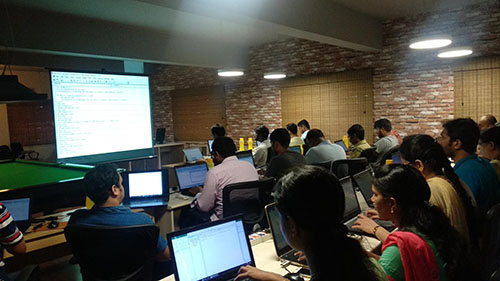
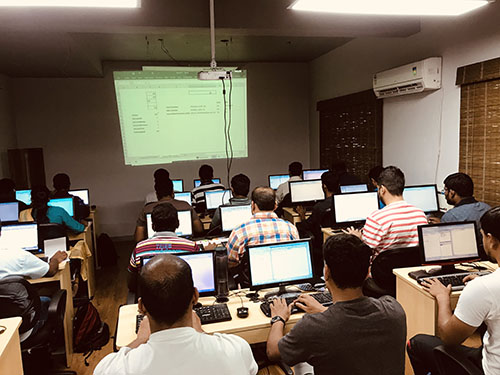
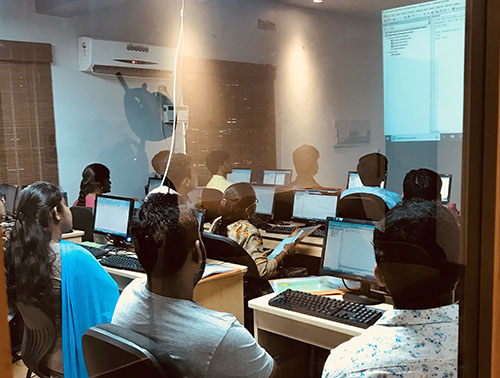
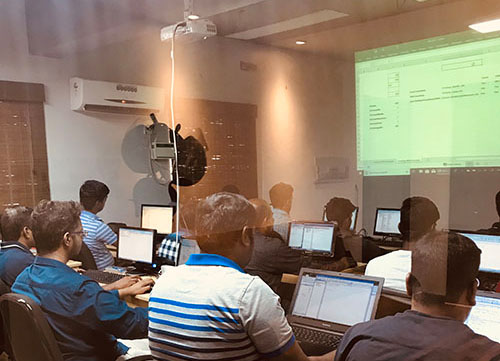
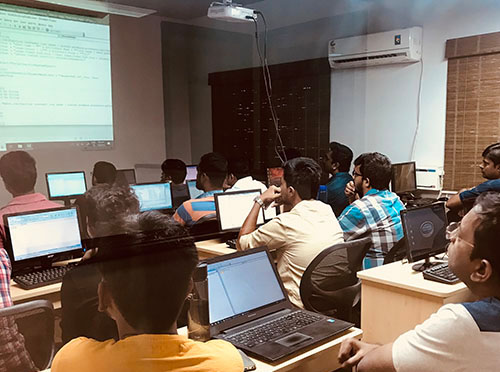
Classroom Gallery

Google Reviews

Corporate Training

bi_report_automation_mob

Avail additional 10% Corporate Benefit on the total course fee for 5+participants.

Get you team BI ready, today.

Ms.Jayasree

Business Associate

Prove you're human: Type the code shown.

=
Excelgoodies

Esteemed Clientele

Esteemed Clientele Esteemed Clientele Esteemed Clientele Esteemed Clientele Esteemed Clientele Esteemed Clientele Esteemed Clientele Esteemed Clientele Esteemed Clientele Esteemed Clientele Esteemed Clientele Esteemed Clientele Esteemed Clientele Esteemed Clientele Esteemed Clientele Esteemed Clientele Esteemed Clientele Esteemed Clientele Esteemed Clientele Esteemed Clientele Esteemed Clientele Esteemed Clientele Esteemed Clientele Esteemed Clientele Esteemed Clientele Esteemed Clientele Esteemed Clientele Esteemed Clientele Esteemed Clientele Esteemed Clientele Esteemed Clientele Esteemed Clientele Esteemed Clientele Esteemed Clientele Esteemed Clientele Esteemed Clientele Esteemed Clientele Esteemed Clientele Esteemed Clientele Esteemed Clientele Esteemed Clientele Esteemed Clientele Esteemed Clientele Esteemed Clientele Esteemed Clientele Esteemed Clientele Esteemed Clientele Esteemed Clientele Esteemed Clientele Esteemed Clientele Esteemed Clientele Esteemed Clientele Esteemed Clientele Esteemed Clientele Esteemed Clientele Esteemed Clientele Esteemed Clientele Esteemed Clientele

Thousands Trained. Here’s What They Say.

Total Reviews 2080
Average Rating
4.5
Excelgoodies Excelgoodies Excelgoodies Excelgoodies Excelgoodies
Why Excelgoodies image

Thousands Trained. Here’s What They Say.

APPLICATION DEADLINE

Registration Closes
on .

Prove you're human: Type the code shown.

=
Excelgoodies

Industry Insights

Industry Insights